Hardware / Software - Next Upgrades
Overview
When 2025 started I had no idea that I was going to spend a lot of money upgrading my workspace. In fact, when the year started, I promised myself that I would hold back as long as possible because the past few years have been financially difficult. Then I got injured and everything went downhill. I upgraded my desk to a standing desk (which I love and recommend). Following that I upgraded the workspace further with a ‘desktop cockpit’ and accessories from Balolo, a Nintendo Switch 2, and recently a 2025 model Wacom Cintiq 16.
So that’s a lot of money in a year I was trying to invest $0 in my workspace. It’s fine though, because these new additions make the space more comfortable and easier to work in. Money isn’t everything right?
After all of this, I was left wondering “what else do I have to upgrade”? While I’m in no rush to spend extra money, I do think it’s helpful to have a list of things to keep an eye on. In the event of a sale, or a financial surplus I like to be decisive and get what I need without a second thought - because there were many preceding thoughts about the purchase in advance.
Let me upgrade you
So what comes next? I made a list with a few items recently, and the overall investment isn’t too crazy, but if I’m smart about the purchases, these items can last for a long time. The older I get the less I am concerned with upgrading on a regular basis. I would much rather have items that are highly functional, reliable and built to last. It’s one of the reasons why I went with a more expensive standing desk. The hope is that the build quality and manufacturing lead to a product that I have access to for decades, as opposed to spending less money on cheaper objects that fail more quickly (which would cost more in the long run).
Anyway, I digress. Let’s get to the list.
34in Widescreen monitor
This is perhaps the least necessary item that I need at the moment. In short, I would like a larger monitor. This would be for mostly productive purposes (big screen = more space to put stuff). I also game on my monitor, so I would like something that adds to the immersion of whatever games I’m playing. I don’t need one right now, as my current monitor works great and has no issues whatsoever, but it is something I eventually would like to upgrade. Currently, there’s no monitor in particular that I’m looking at. I’m mostly concerned with the size and whatever other stuff can sort itself out along the way.

Ergotron – LX Vertical Stacking Dual Monitor Arm
Now we’re getting into necessities. Currently I do have an amazon brand monitor arm that I bought a few years ago that serves me well enough. Unfortunately the arms are very awkwardly placed, and now that I have my Cintiq hooked up to the VESA mounts, I can’t actually bring the arms low enough to draw on the table. I have to have the arms at a hover on a weird angle. There’s a lot of bounce to it which makes drawing on the arm inconvenient. The Ergotron monitor arm is something I’ve seen artists use and I think that would also be beneficial for my case.They would also allow me to have a much better setup for my multi-monitor layout (I would prefer a “top/bottom” orientation over a “side/side” one). It is very pricey and I have seen alternatives that are cheaper, but the feedback and reviews on the Ergotron arms make me think that this is the peak for monitor arms, and I won’t have to upgrade them ever again.

Desktop Computer
This is probably the most important item on the list that I want to upgrade. I actually had no intention of upgrading my current PC for many more years. It’s a Windows 10 computer from HP that I bought back in 2017. The specific computer is “HP Z2 G3 Mini”. I love this little thing. Unfortunately Microsoft reneged on their “Windows 10 will be the last Windows” promise, and now require a security chip that this computer doesn’t have, to upgrade. From what I hear about Windows 11, this is not a bad thing. However, I do still need an upgrade as I’ve been using my MacBook to do the bulk of my work since the end of last year, and I want to have a dedicated desktop so I can lessen the wear and tear on the laptop. I currently can’t access a lot of the programs that I need for my shorts on my Windows computer, so my hand is kind of forced on this one.
All that said, I will NOT be getting another Windows computer. Microsoft has lost me, and this generation I’ll be heading over to Apple for my desktop needs. I’m going for a Mac Mini, and hopefully a version comes out with an M5 Pro chip. The M-series chips are SO GOOD. Working on my laptop has been amazing, and if I can get better performance on a Mac Mini, I think I would be good on computer upgrades for a good long while.

iPad Pro
This would be a luxury upgrade. Before I invested in the Cintiq, this was a more appealing upgrade, however the 2017 iPad Pro that I have is an insane device. It still performs well, and the battery is still pretty good. I’ve been looking for a reason to upgrade this, but this little machine is such a powerful asset that I think I can get another few years out of it. Eventually I will upgrade, because I ultimately want to have a dedicated mobile workflow for shorts, but there isn’t really any pressure to do so at the moment.

Balolo Cockpit Accessories
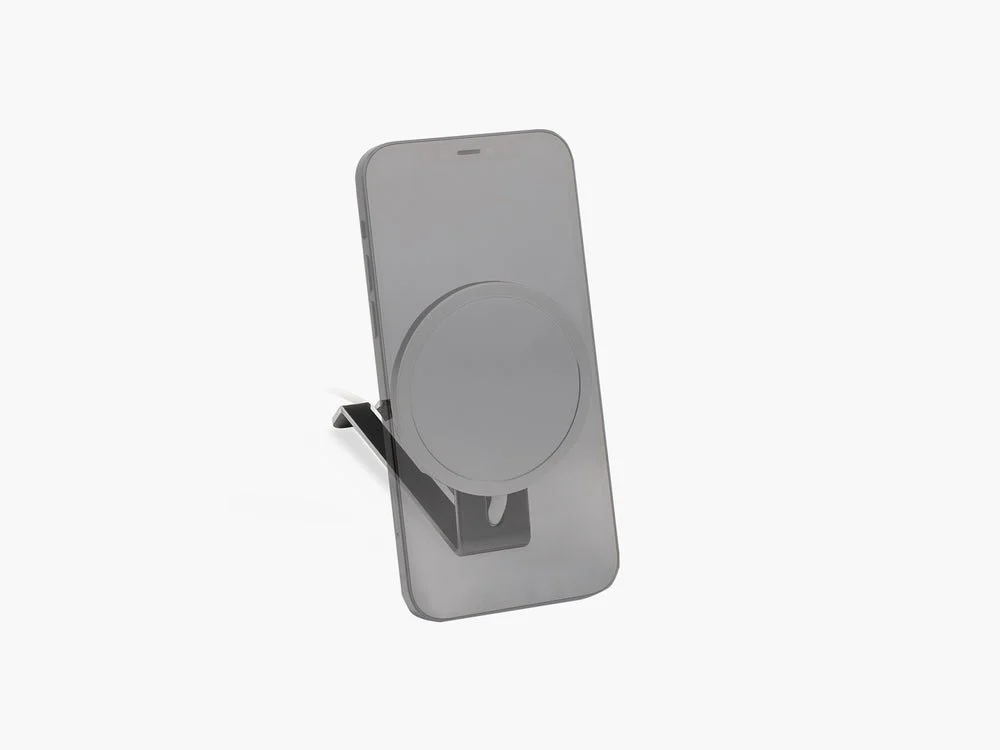
As I mentioned earlier, I bought a desktop cockpit from Balolo. It’s a great piece of hardware, but I’m not using it to its fullest potential. There’s a few accessories I would like to buy. I have my eye’s on the MagSafe Holder and maybe the laptop dock. These aren’t necessary at the moment, and I would upgrade only after I bought the more important items on the list.
Moho animation
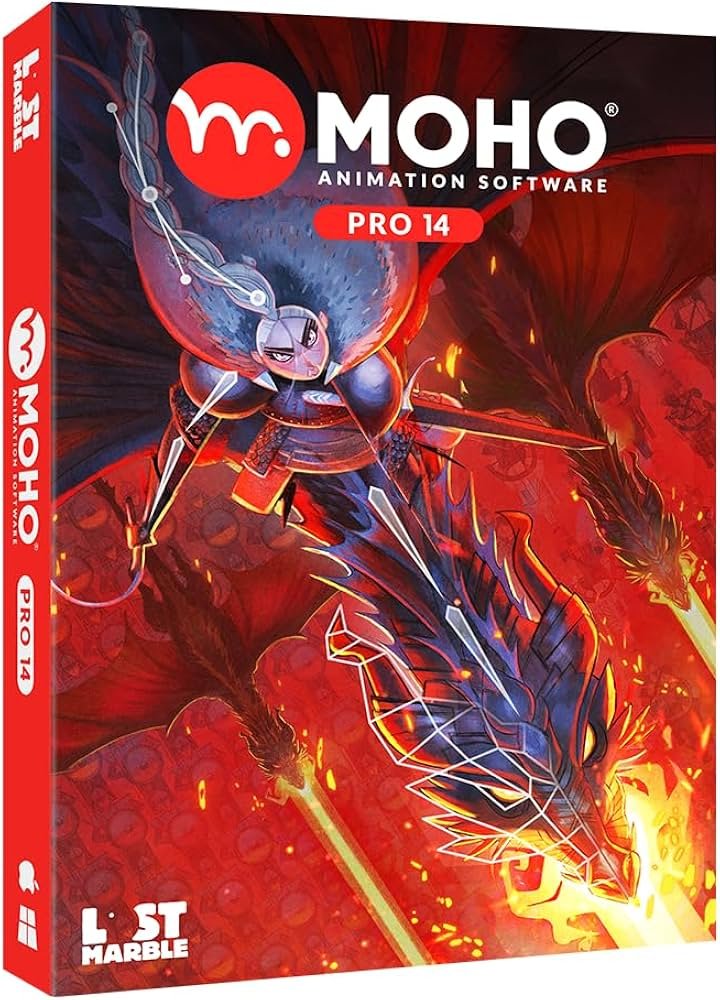
Now we get to software. Since Toonboom is removing their permanent licenses, and are charging an arm and a leg to access future versions of the premium version of Harmony ($1000+ a year!), I have decided to invest in Moho’s ecosystem. I love what I’ve seen of the software, and I think it’ll be really cool to use. I still have to learn it, which I think is something I will try to commit to next year, but the actual transition of production will probably take a few years to be fully completed.
Editing And Special Effects Software
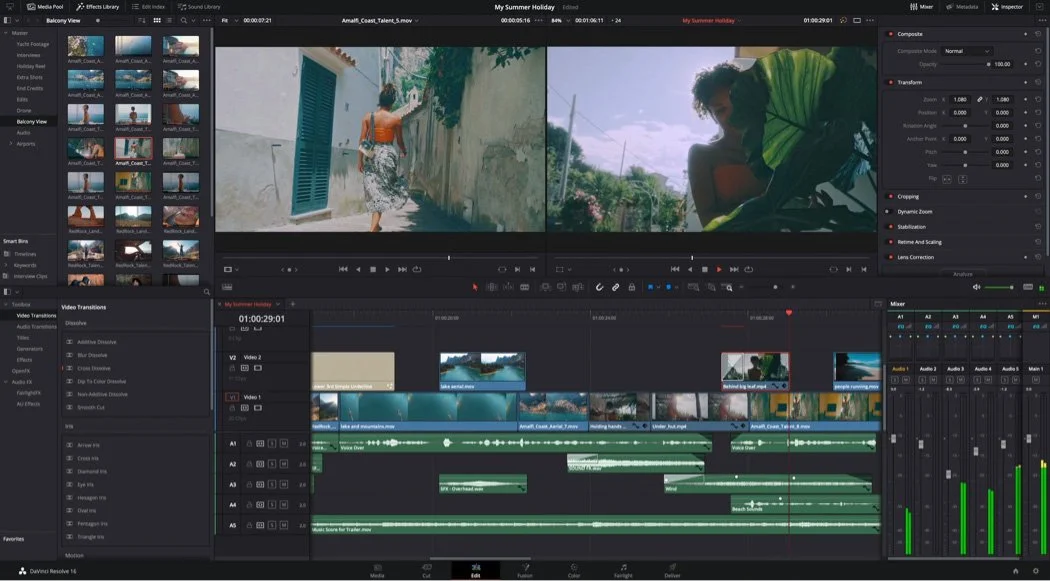
One of my long term goals is to fully transition away from all adobe software. I can’t stand the company and I think they have awful customer service practices. It’s something I’ve been slowly moving toward for a few years. I have replacements for Illustrator and Photoshop currently, but After Effects and Premiere still need replacements. I’ve been looking at Final Cut and the DaVinci programs, but I haven’t decided on which ecosystem to invest in yet.
Outro
Overall the roadmap for updating my workspace isn’t too bad. Aside from the new desktop computer and monitor arms, I think I can take my time making the next few upgrades. It’s going to be fun to see what I’ll be capable of doing once the everything is finished. I can’t wait
-Until next time-