Hardware + Software: Storyboarder
Intro
Late 2025 - early 2026 I spent some time trying to update my pipeline. The goal is usually to find ways to produce shorts more quickly, but this time I wanted to see if I could re-implement animatics. I have a love/hate relationship with animatics. I tend to use them for clients because it’s an easy way to show the progress of a project. For my own projects, I tend to avoid them because they are time consuming. You can easily get lost in ‘over-animating’ an animatic, and shorts are long enough to make already. That being said, initially I was against implementing another step in my production process for that reason. After giving it some time to stew I figured it might be worth re-examining because the animation process of my short film production has historically been clunky and heavily reliant on editing to fix the timing of shots.
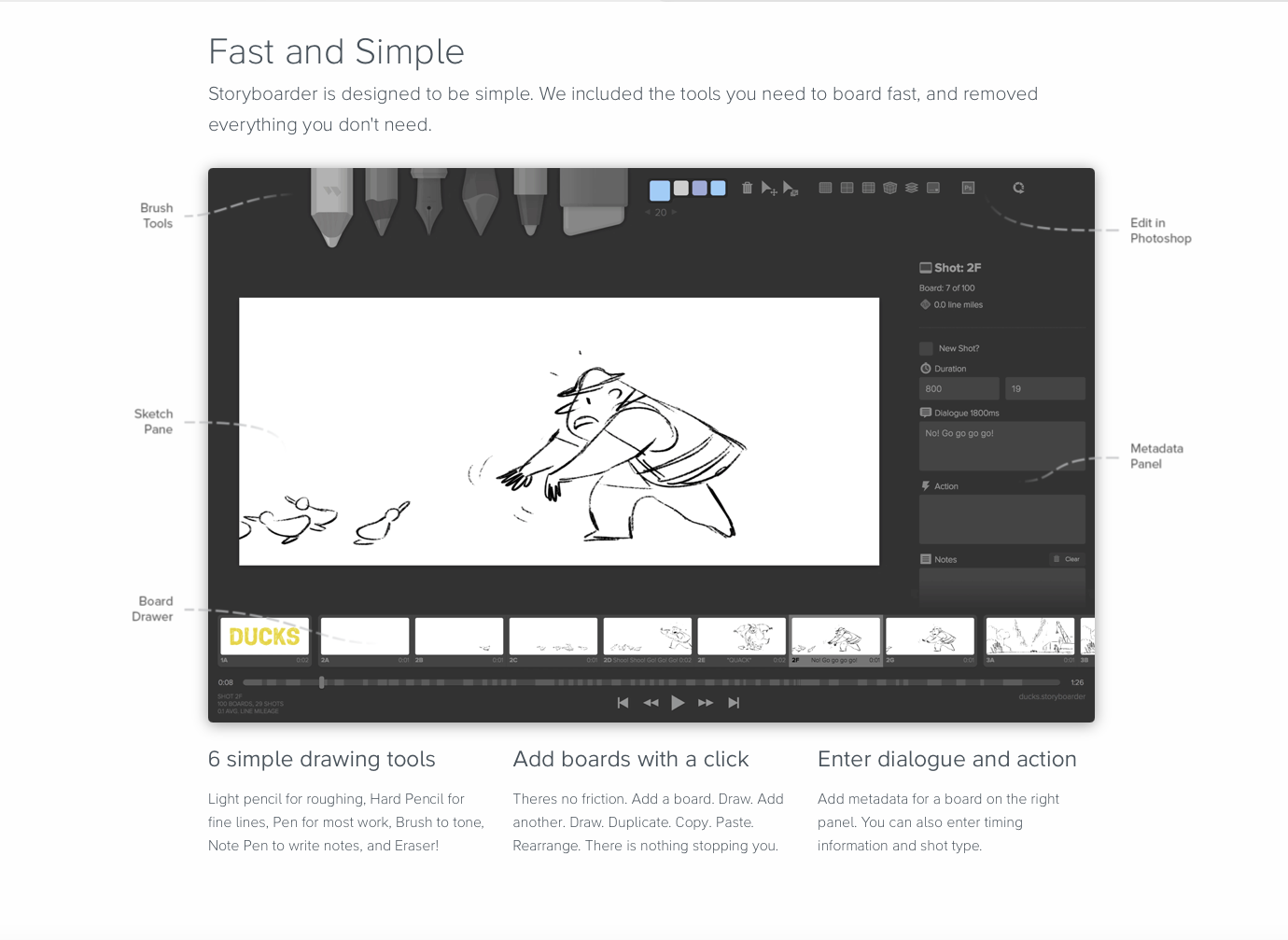
Once I decided to pursue the application of animatics, I made a few decisions right out the gate. I didn’t want to pay for another program (unless the price was accessible) and I wanted the program to be user friendly. I didn’t need to learn something complicated and figure out some other way to make things efficient elsewhere. I wanted something hassle-free. After a few hours of researching, and realizing there really aren’t too many dedicated programs to making animatics, I found the program ’Storyboarder’. It looked nice and was free, so that immediately put it at the top of my list. Around the time of January as I was familiarizing myself with the app, I started on a freelance project. I figured this would be the perfect test for how this app would alter my process and it turns out, it was a great addition.
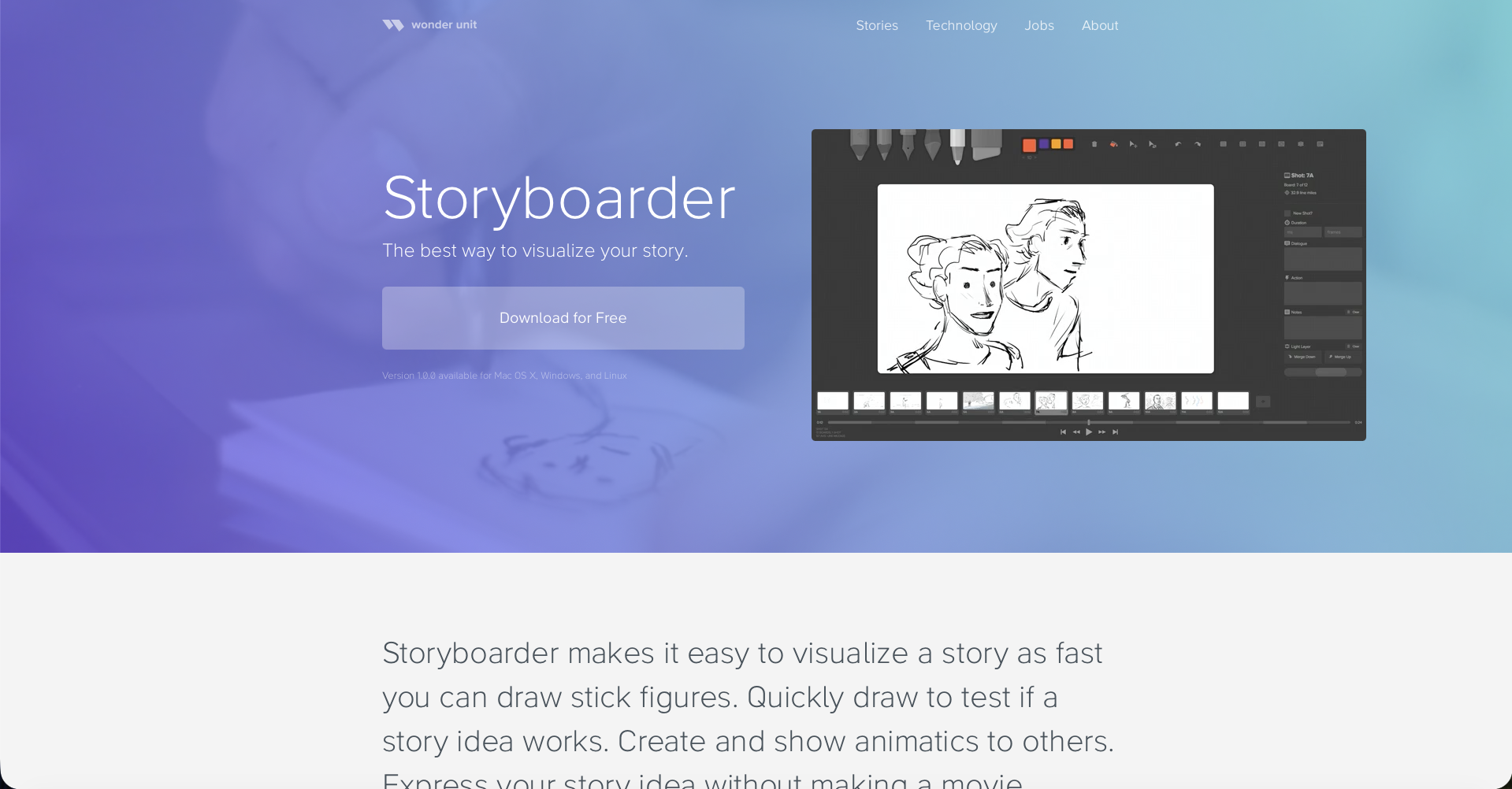
Storyboarder homepage
Since that time, I’ve also implemented it into my social media content seamlessly. On top of that, the length of time to produce a short, hasn’t really been impacted in a discernible way to me which counts as a win. The biggest impact that I’ve noticed is that productions go a lot smoother. My workflow for ‘Storyboarder’ is really simple: I just copy the storyboards I previously drew, and paste them into the file. If I want to make unique drawings I can, but I choose to avoid that. Once all the drawings are in, I just give it a rough timing, with a scratch track and export the file directly into Premiere Pro. Once it’s in Premiere Pro, I’ll do a few more timing edits if necessary, and export the shots for reference to use in Toonboom. That’s pretty much all there is to it, and it saves me a lot of trouble editing, re-exporting shots and timing things out. I also have a bit more time to decide on changes, or to add anything missing to the shorts (like opening tags or unique CTA).
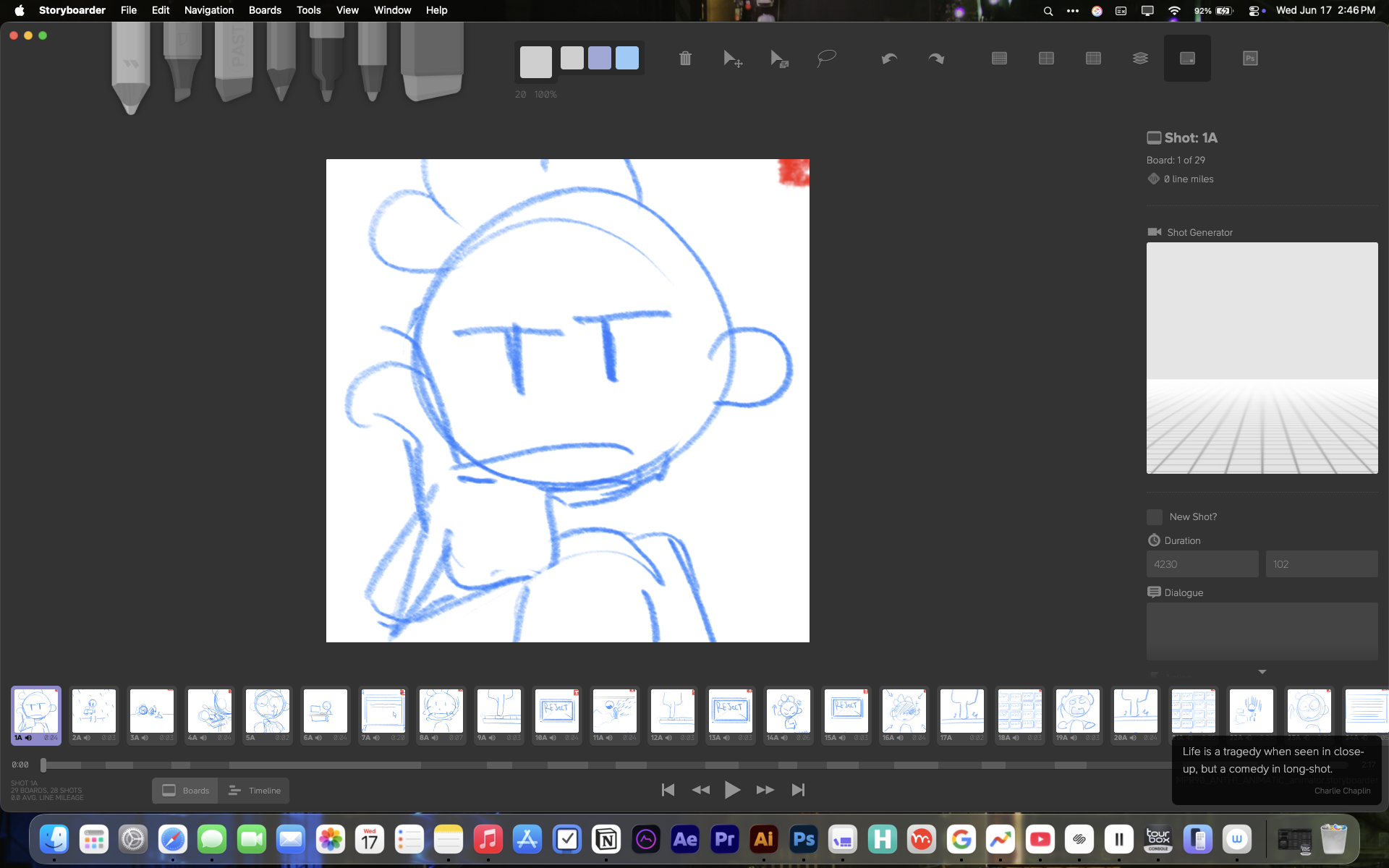
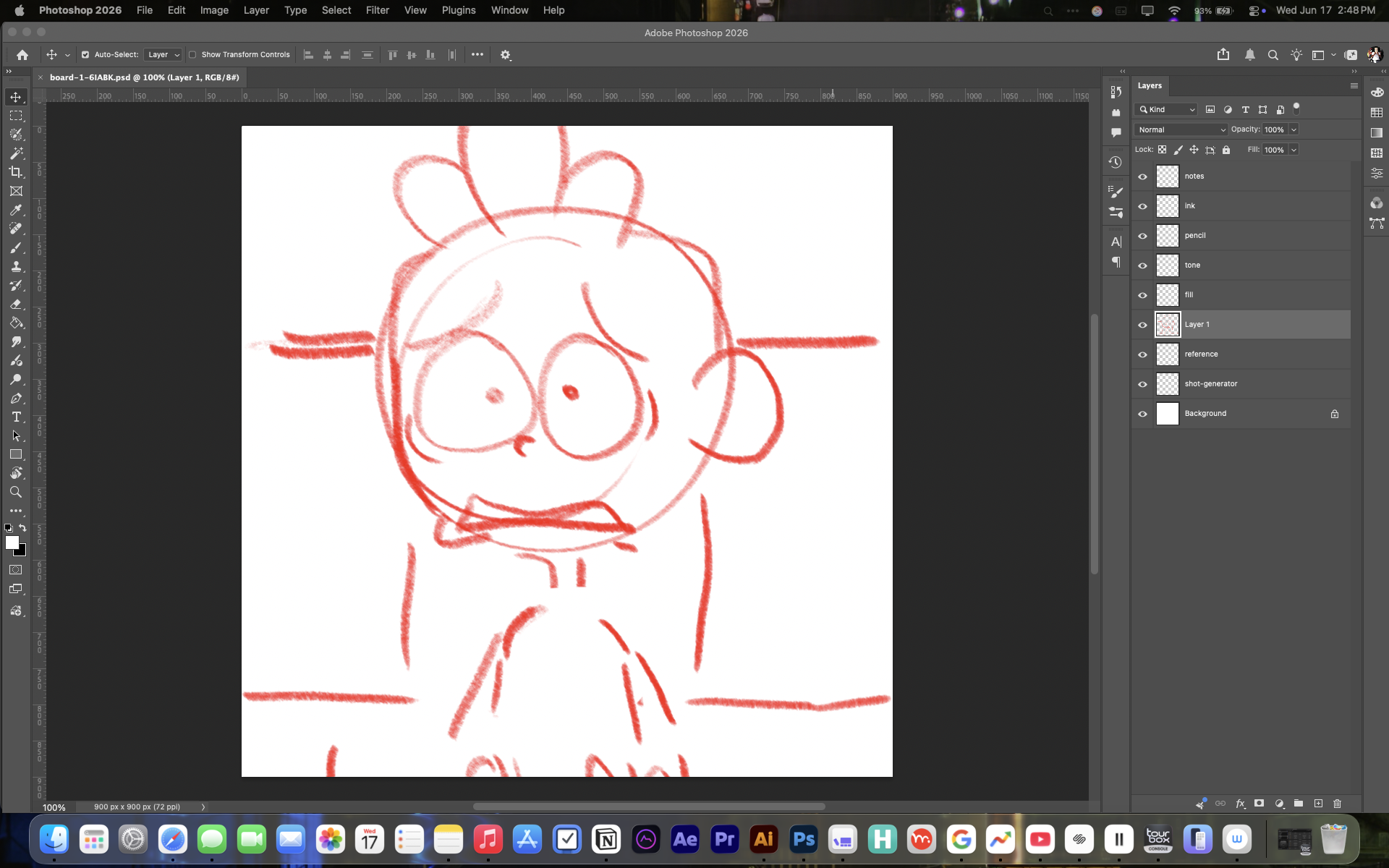
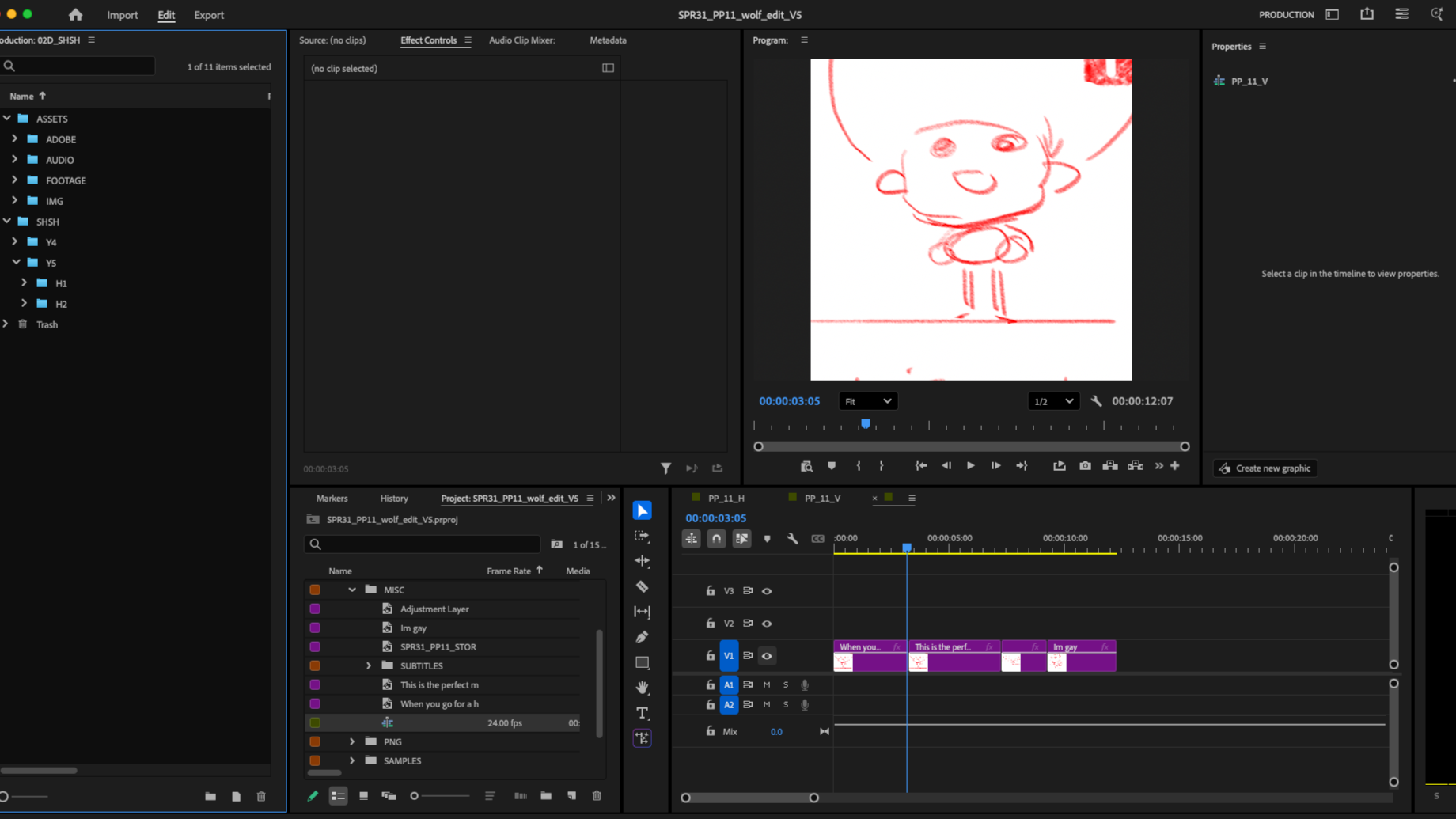
The program is simple to use and the interface is easy to understand. The actual tools suck, but you can make your images in any program that can edit psd’s and the program links to the file and auto-updates when you save. The strength of the program is in how quickly you can generate an animatic, and export that to an editing program like Final Cut or Premiere Pro. As I was learning the app, I did test myself to see if I could produce a short without using storyboards but my body rejected that premise. It was kind of frustrating and overstimulating for me. Perhaps I’m just old and used to my process by now. However, once I was able to find a way to have the program work for me, everything clicked and the benefits were immediate. I wasn’t a big believer in the idea that the application of animatics would help my little shorts, but I was wrong. I do really enjoy using the program, and I love being able to make animatics before I go all in to producing a short.
There’s not much to dislike about ’Storyboarder’. It’s free and works well. If you have the money to purchase a better program, I’m sure you’ll be able to make better animatics and have more fun doing so. However, if you need something to put your ideas to time, it’ll make a great addition to your process.
-Until next time-